

End User Computing Solutions

Empower every user with secure, seamless technology.

Plan, deploy, secure and manage workplace devices through a lifecycle approach that improves productivity, user experience, control and support across every location.

Devices and workstations Unified endpoint management Lifecycle and managed support
Technology where work happens

User experience is shaped by every device, login and support interaction.

Employees expect secure access to applications and information from offices, homes, branches and field locations. When device selection, provisioning, identity, security and support operate separately, user experience becomes inconsistent and IT effort increases.

Data Confiance unifies workplace devices, endpoint management, security and lifecycle services into one operating framework—helping users remain productive while IT retains visibility, policy control and supportability.

Workplace discovery and persona mapping Desktop, laptop and workstation solutions Zero-touch deployment and provisioning Unified endpoint management Endpoint security and access control Asset lifecycle and managed support
Discuss Your Workplace Requirement
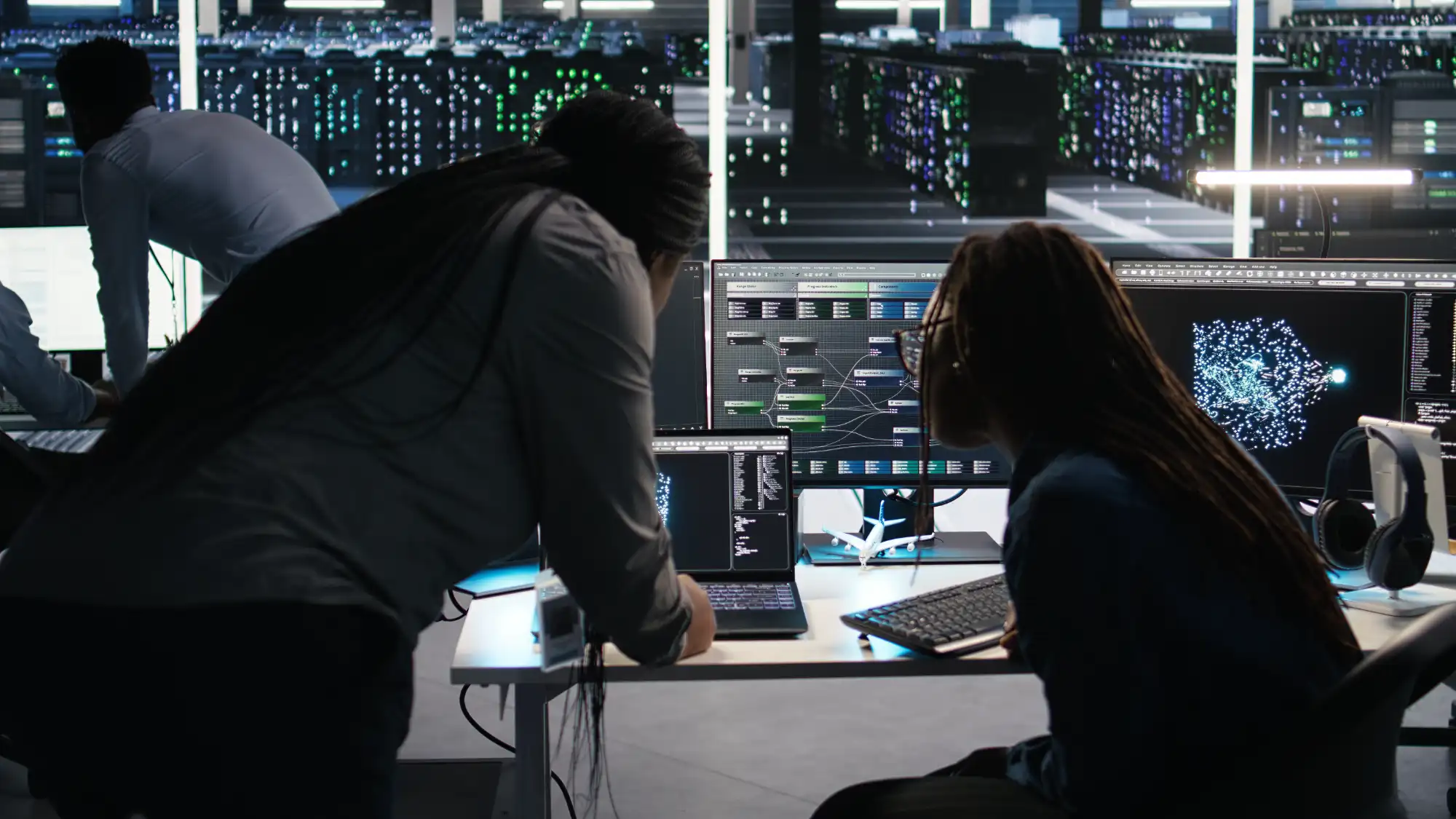
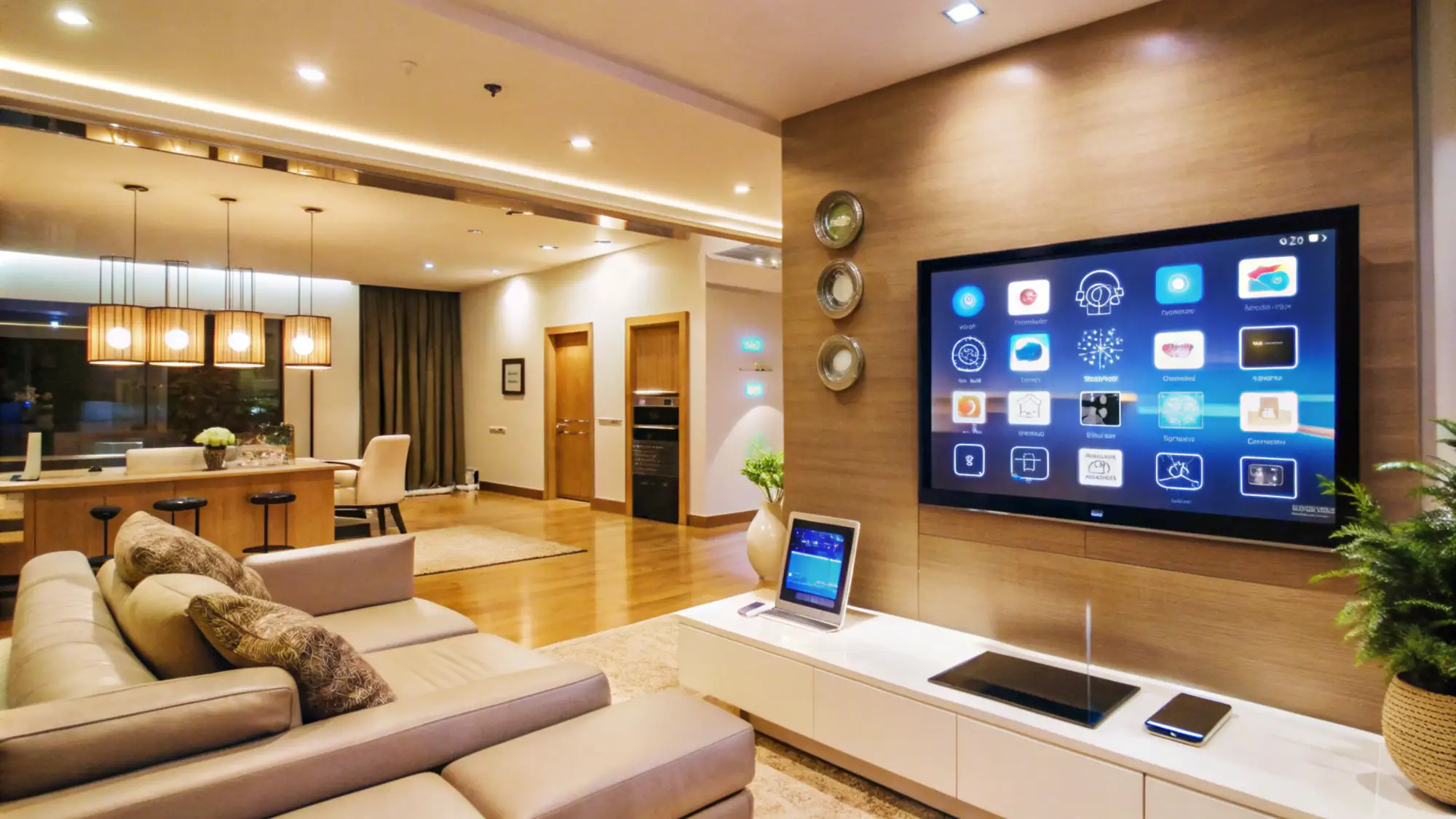
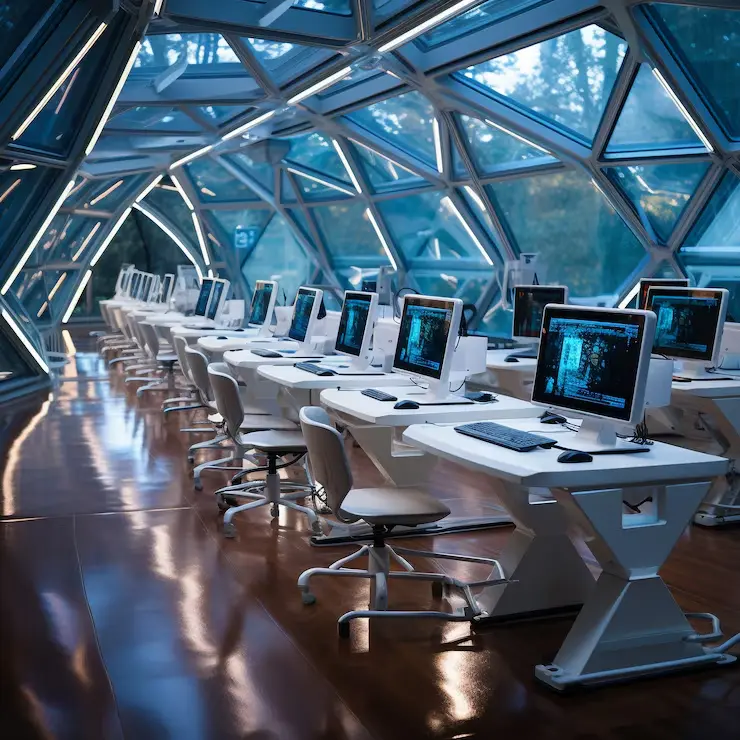
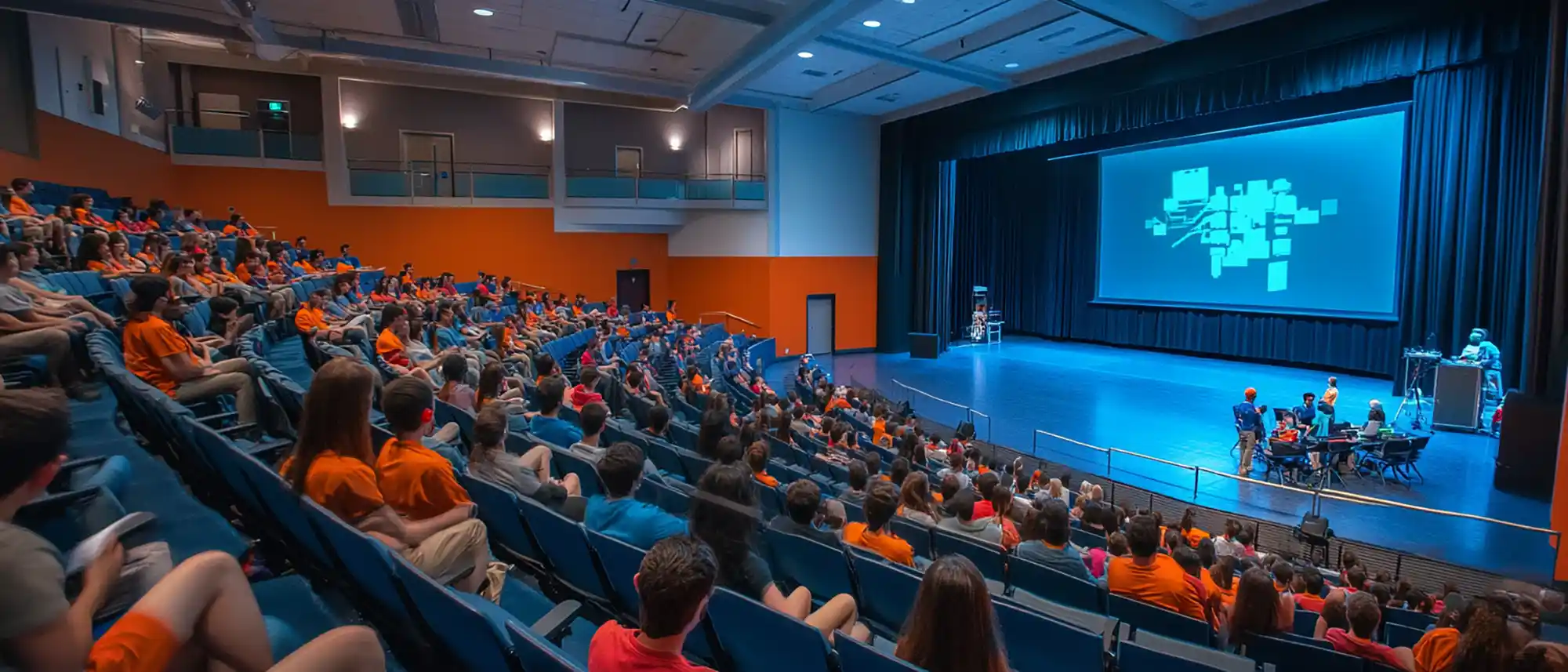
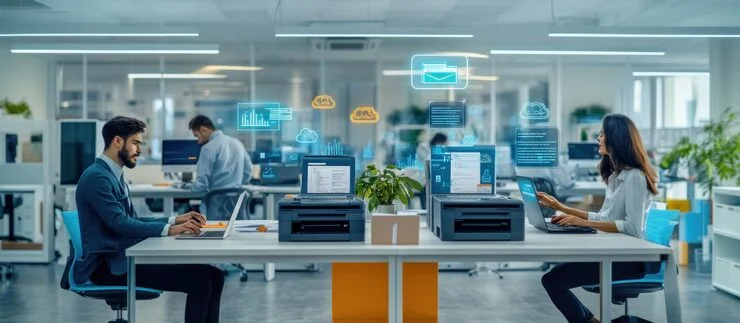
Modern digital workplace and end user computing
Designed around employee personas Different users receive the right device, applications, access, security and support for the way they work.
Laptop and connected workplace technology
360° Coverage from device strategy and rollout through management, support, refresh and retirement.
Modern workplace devices and employee experience
Build around how people work
Persona-led workplace design

Give every employee the right technology experience.

A standard device is not suitable for every role. Leadership, developers, designers, analysts, frontline teams and remote users have different performance, mobility, security and collaboration requirements.

Map roles, applications, mobility and performance needs. Standardise device profiles without restricting productivity. Align accessories, displays and collaboration tools. Define support and refresh policies by user criticality.
Explore the capability framework
Secure endpoint management
Secure and manage every endpoint
Control without creating friction

Protect devices while keeping access simple for users.

Modern endpoint management must connect identity, configuration, applications, compliance, security and remote support. We create a coordinated control model across corporate, remote and mobile endpoints.

Automated enrolment and policy-based configuration. Application delivery, patching and compliance control. Endpoint protection, encryption and secure access. Remote troubleshooting, support and device recovery.
See our delivery approach
One accountable partner across the workplace lifecycle. Integrated consulting, procurement, deployment, management, security and support.
16+Years of enterprise technology delivery
500+Client relationships supported
6Core workplace capability domains
24×7Managed support options
Capabilities

Manage the complete end user technology experience.

Engage Data Confiance for a complete workplace transformation or a focused requirement across devices, deployment, management, endpoint security, mobility or lifecycle support.

End user computing strategy
Plan the right employee experience

Workplace assessment, personas and technology strategy

Translate employee roles, applications, mobility, security and support needs into practical device standards and a lifecycle roadmap.

User and device discovery Persona and role mapping Application compatibility review Device standardisation Security and support requirements Refresh and lifecycle roadmap
Discuss This Capability
Delivery framework

From workplace discovery to dependable user support.

Our structured methodology connects user personas, device standards, provisioning, security, operations and refresh planning into one manageable lifecycle.

Start With a Workplace Assessment
01 / DISCOVER

Understand users, devices and applications

Document employee personas, current endpoints, application dependencies, mobility, support issues, security gaps, asset records and refresh requirements.

02 / STANDARDISE

Define device, configuration and support profiles

Create approved hardware models, operating standards, application bundles, security controls, accessories, warranty and support tiers by persona.

03 / DEPLOY

Provision and deliver devices consistently

Coordinate procurement, asset tagging, automated enrolment, application delivery, policy configuration, user migration and acceptance.

04 / MANAGE

Maintain security, compliance and user experience

Monitor device health, patching, applications, compliance, endpoint threats, incidents, warranties and remote-support requirements.

05 / REFRESH

Control upgrades, recovery and retirement

Plan replacements, data migration, secure wiping, redeployment, disposal, asset reconciliation and continuous improvement.

Alliance-enabled solutions

Bring devices, software, security and management together.

Our vendor-neutral approach combines endpoint hardware, operating platforms, productivity tools, management, security and accessories around employee personas and business requirements.

Device ecosystem

Desktops, laptops, workstations and mobile endpoints

Standardise endpoint choices around role, mobility, performance, manageability, security, support and lifecycle cost.

Enterprise workplace devices
Persona-led technology selection Solutions are evaluated against performance, portability, compatibility, security, manageability, serviceability and total lifecycle cost.
Industry and workplace use cases

Different workstyles demand different endpoint strategies.

We adapt devices, deployment, management, security and support to employee roles, application demand, mobility, compliance and geographic distribution.

Global capability centre employee onboarding

GCC & Rapid Workforce Onboarding

Standardised devices, automated provisioning, asset control and support for fast-growing teams and new locations.

Hybrid and remote workplace

Hybrid & Remote Workforce

Secure devices, remote enrolment, endpoint compliance, collaboration and support for employees working from anywhere.

Engineering workstation users

Engineering & Creative Workstations

High-performance workstations, graphics, displays and support for CAD, CAM, design, simulation and content workloads.

Shared workstations and frontline users

Frontline & Shared Workspaces

Secure shared devices, kiosks, mobility, simplified access and central management for operational teams.

Education computer lab

Education & Training Labs

Standardised lab devices, application images, classroom management, security and lifecycle support at scale.

Distributed branch employee computing

Branches & Multi-Site Operations

Consistent endpoint standards, remote management, asset visibility and support across distributed business locations.

Customer stories

See how workplace transformation improves employee productivity.

The examples below illustrate the challenges, scope and outcomes a detailed Data Confiance case study can present. Final published stories should use approved customer information and verified results.

Hybrid workplace endpoint management
Representative engagement · Hybrid Workplace

Securing and managing devices across office and remote users.

Unified endpoint management, encryption, compliance policies, application control and remote support for distributed employees.

Explore this use case
Engineering workstation refresh
Representative engagement · Engineering

Refreshing high-performance workstations for design teams.

Application assessment, workstation sizing, graphics configuration, data migration, user validation and lifecycle support.

Explore this use case
Resources & insights

Make better workplace technology decisions.

Use practical assessments, checklists and planning guides to evaluate device standards, deployment, security, management, support and lifecycle risk.

Workplace technology readiness
Readiness guide

Is your workplace technology ready for hybrid work?

Assess devices, collaboration, remote access, security, endpoint management, support and employee experience.

Request the guide
Endpoint security checklist
Assessment checklist

Endpoint security and management checklist.

Review enrolment, patching, encryption, compliance, applications, local admin rights, threat protection and remote support.

Request the checklist
Device refresh planning
Lifecycle playbook

Plan a controlled enterprise device refresh.

Understand persona mapping, application compatibility, procurement, provisioning, migration, user readiness and retirement.

Request the playbook
Frequently asked questions

Questions before modernising end user computing.

Clear answers to common questions around devices, provisioning, unified endpoint management, security, migration, support and lifecycle planning.

Ask a Workplace Specialist
It may include workplace assessment, user personas, device standards, procurement, asset tagging, automated provisioning, application delivery, endpoint management, security, migration, service desk, field support, refresh and secure retirement.
Device standards are based on role, applications, CPU and memory demand, graphics, mobility, battery life, security, connectivity, accessories, serviceability and expected lifecycle.
Yes. Automated enrolment and zero-touch provisioning can apply identity, operating settings, applications, security policies and compliance controls when the employee first signs in.
Unified endpoint management provides central control across laptops, desktops, tablets and mobile devices for enrolment, configuration, applications, patching, compliance, inventory and remote actions.
Security can combine encryption, endpoint protection, EDR, secure configuration, patching, application control, identity, multi-factor authentication, data-loss controls and compliance-based access.
Yes. Support can include remote provisioning, remote assistance, device health monitoring, replacement logistics, field support, service desk, warranty coordination and escalation management.
Refresh planning covers asset age, warranty, performance, support status, user persona, data migration, application validation, device handover, secure wiping, redeployment and disposal.
Managed services can include service desk, remote support, onsite engineers, endpoint monitoring, patching, asset management, incident resolution, warranty tracking, reporting and lifecycle coordination.